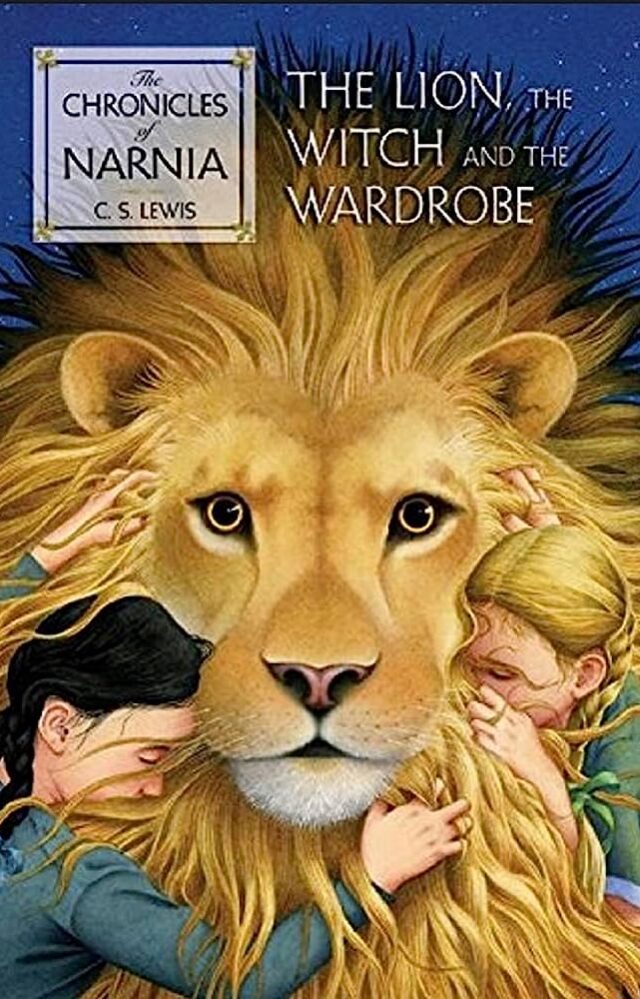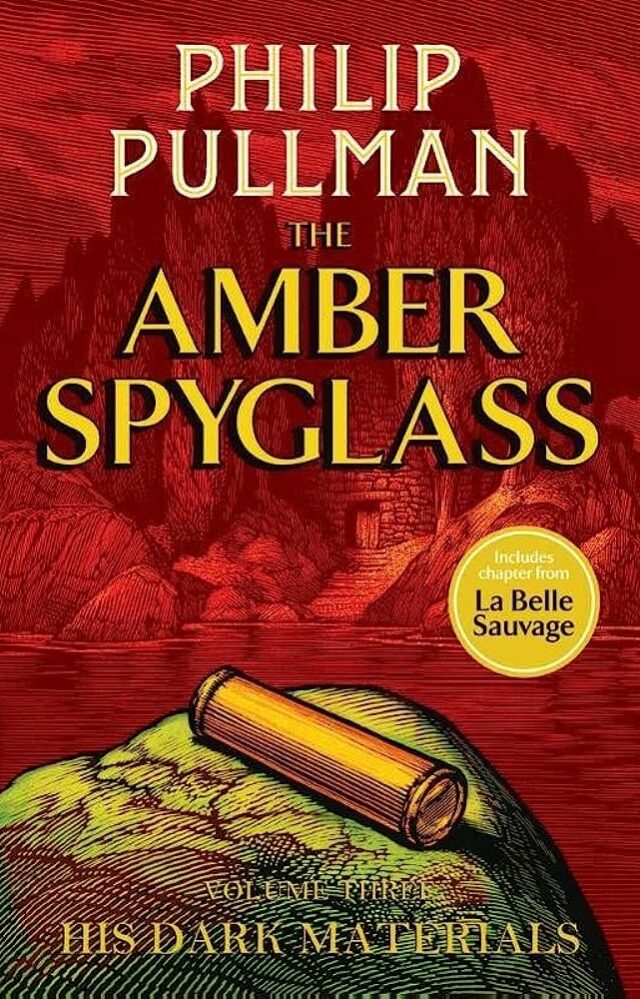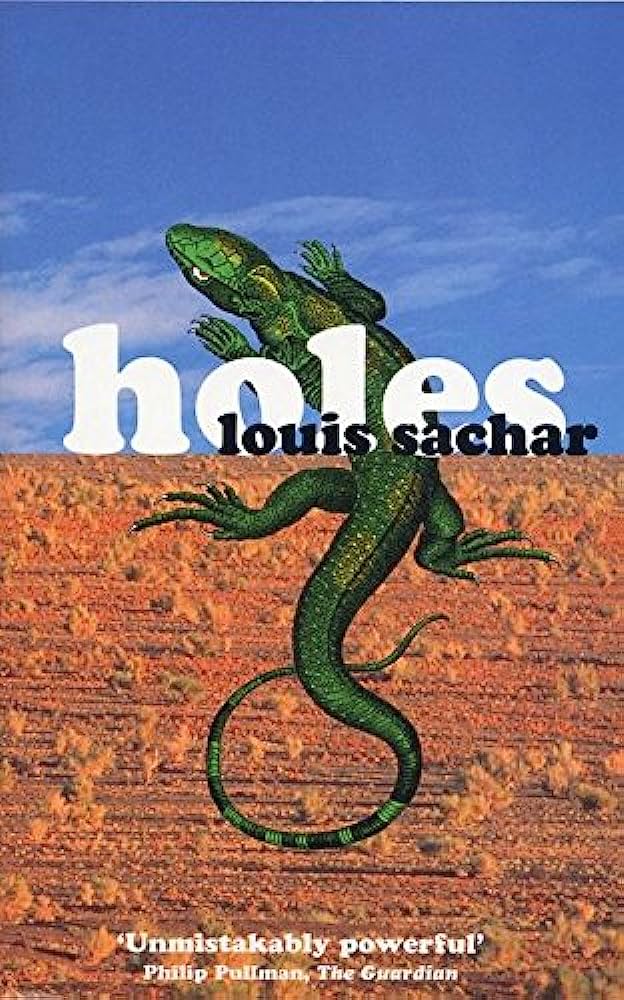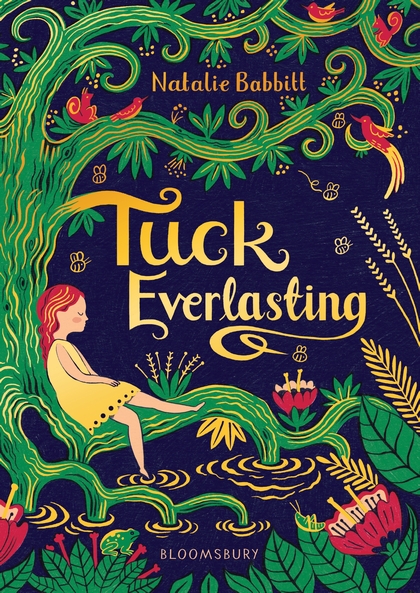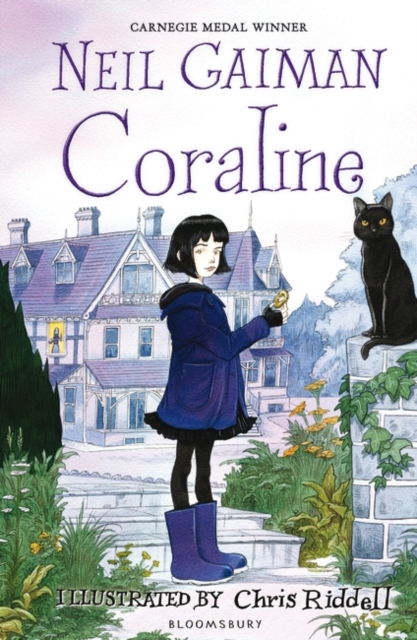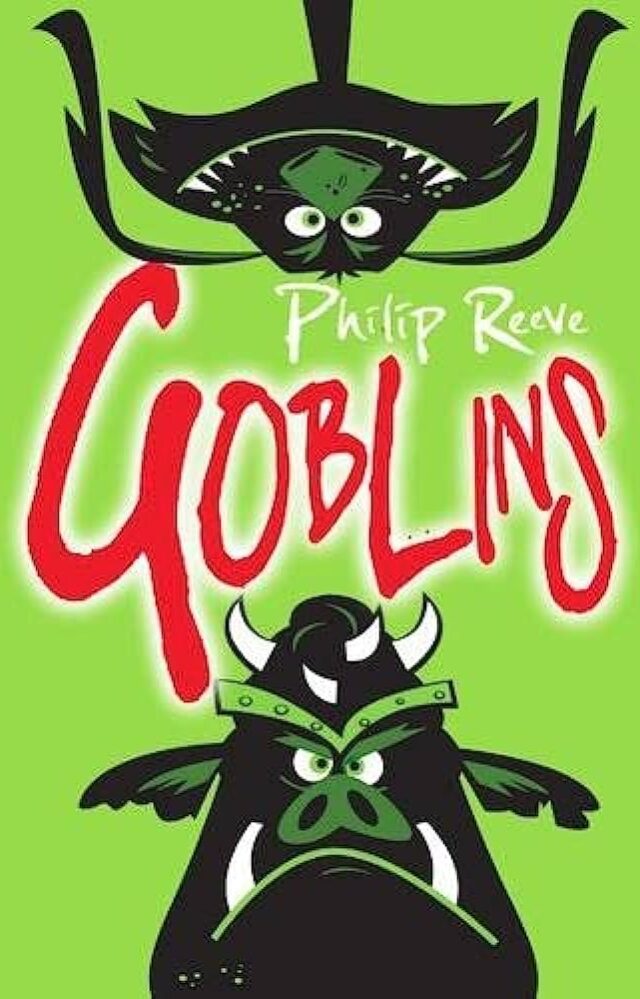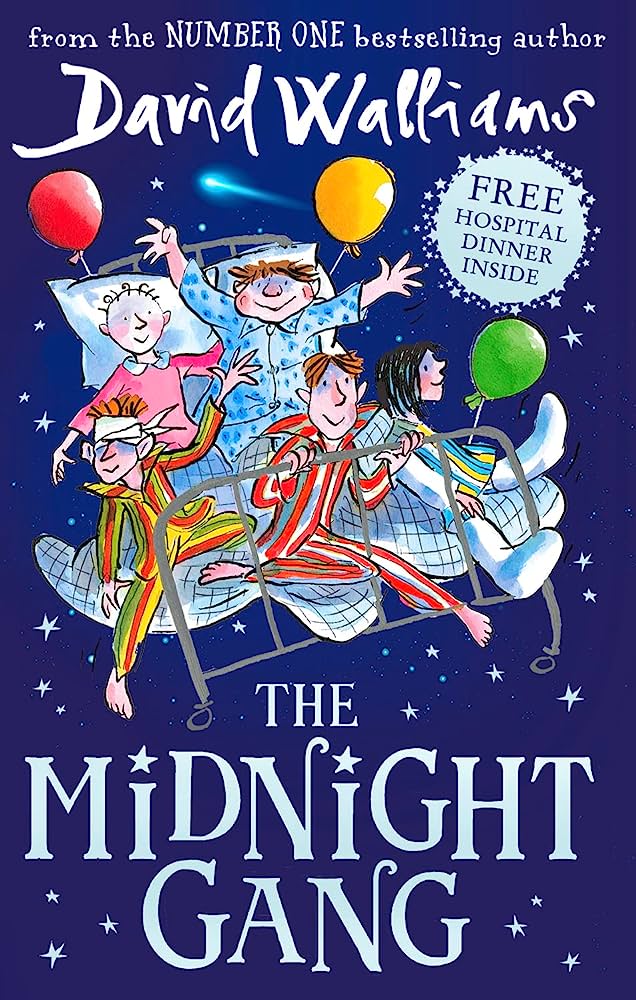
This is a review from our newest reader, Jessica age 12:
Hi there! I love reading but always struggle for ideas for new books, I love this website as it helps me to find new ideas and I hope to publish my own story some day soon.
Stories from and for children of all ages
We’re currently working hard on bringing Stories from the Web back to life as a new interactive children’s creative publishing platform. In the meantime, we’re making available some of the wonderful children’s stories and recommended reading that we have always had.
This is a review from our newest reader, Jessica age 12:
Hi there! I love reading but always struggle for ideas for new books, I love this website as it helps me to find new ideas and I hope to publish my own story some day soon.
Stories From the Web is a hub for children’s stories and a platform for budding young writers across the UK.
Dive into an enchanting world of imagination and creativity, where the charming tales of children’s stories intertwine with the rhythmic verses of children’s poems. Welcome to Stories from the Web, a unique and inspiring platform dedicated to nurturing the imaginative works of our young artists and writers in the UK and beyond.
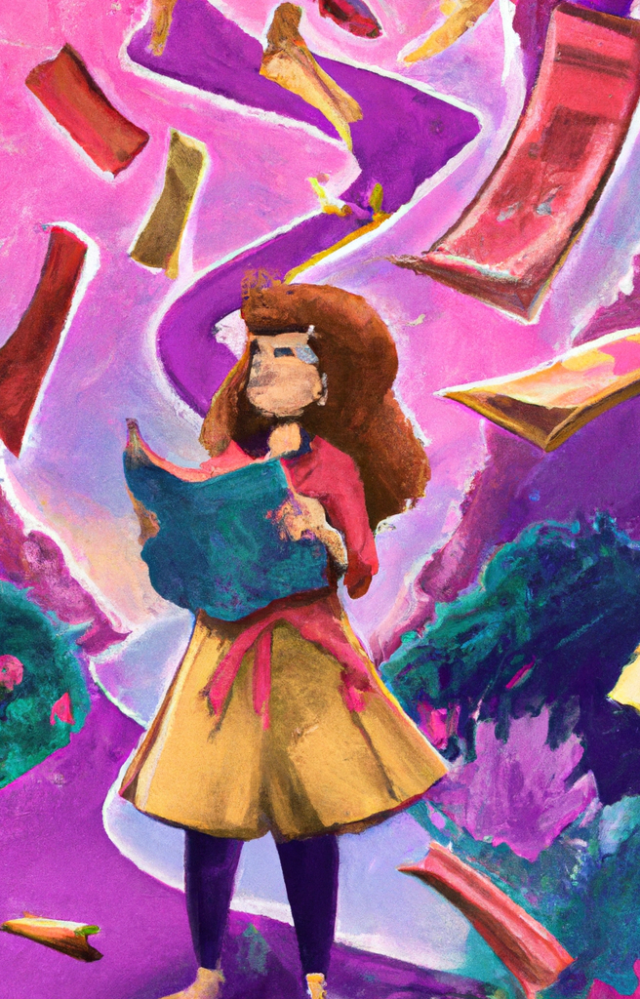
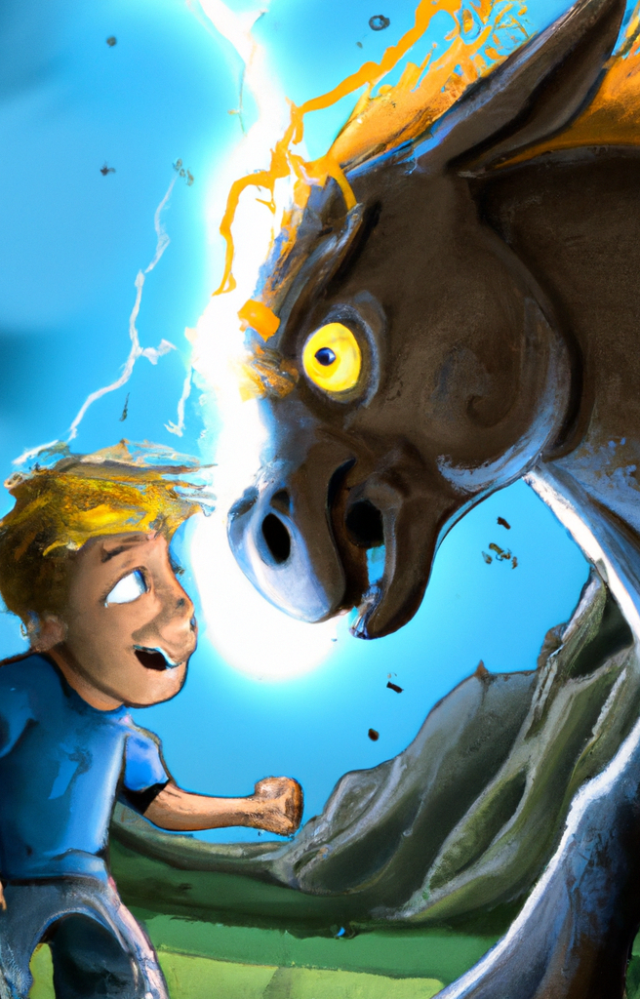
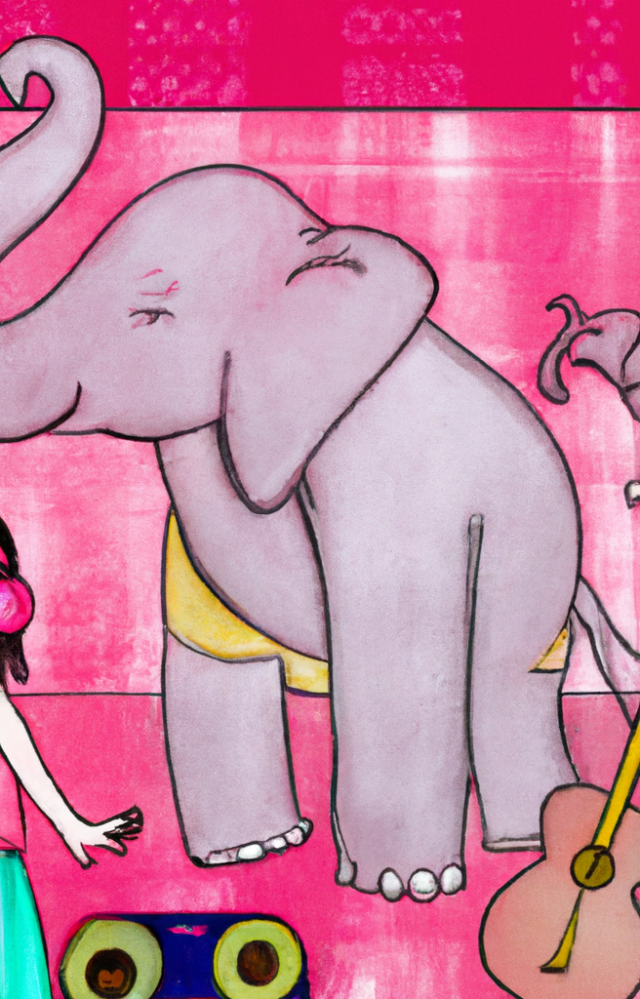
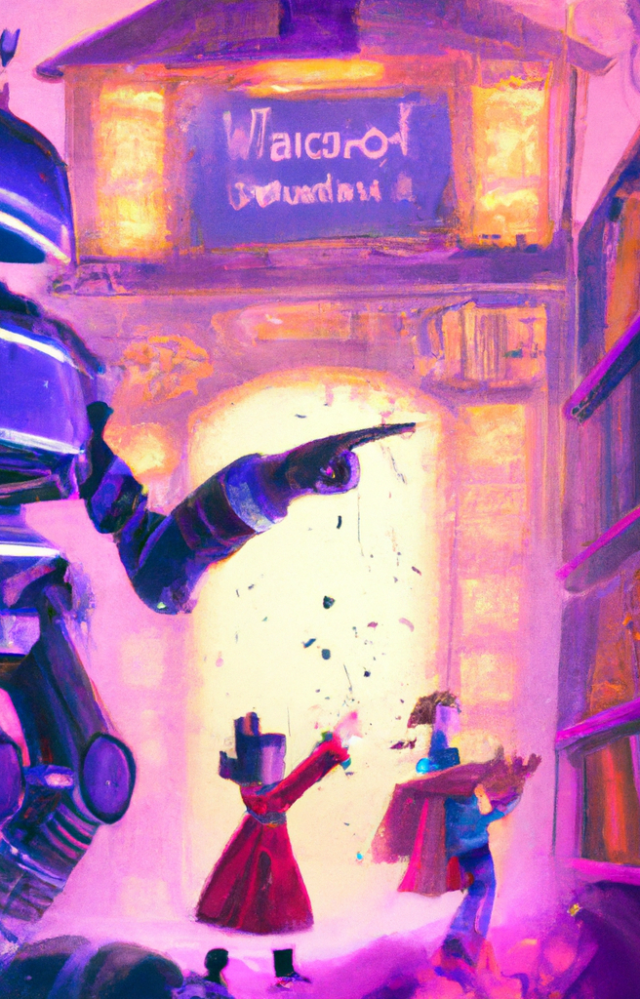
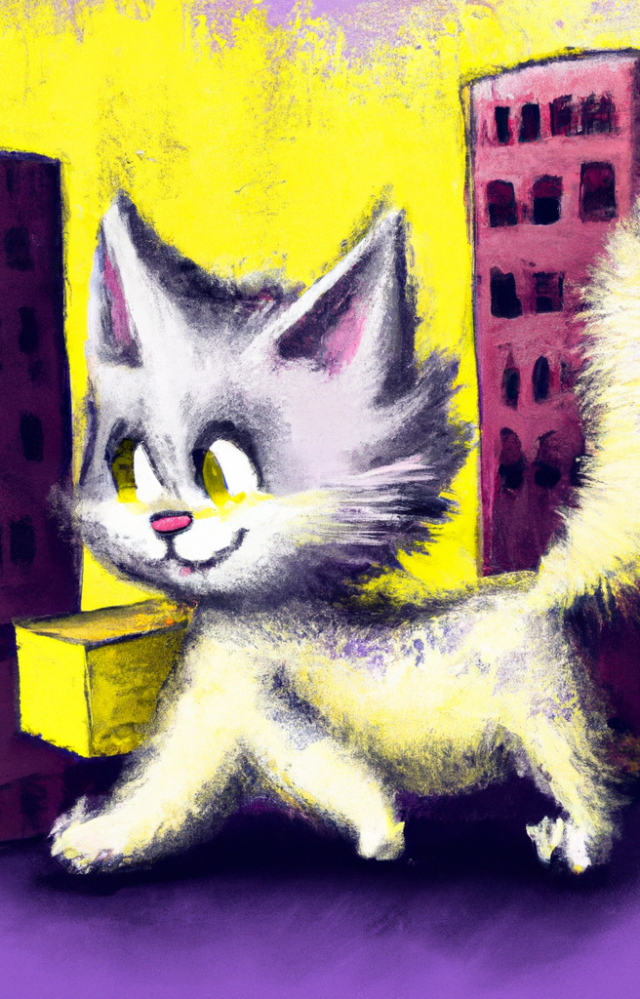
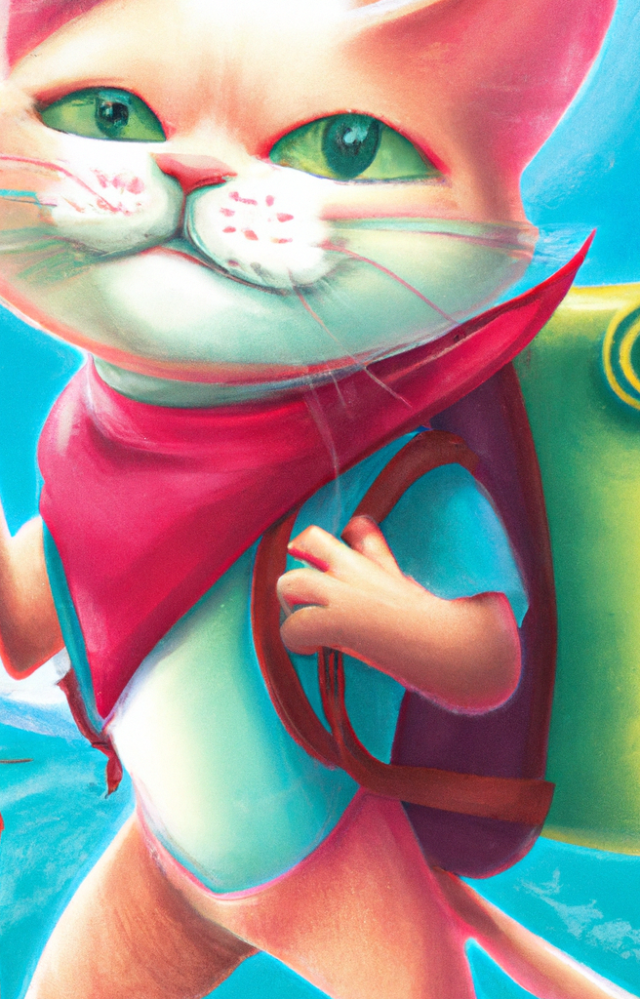
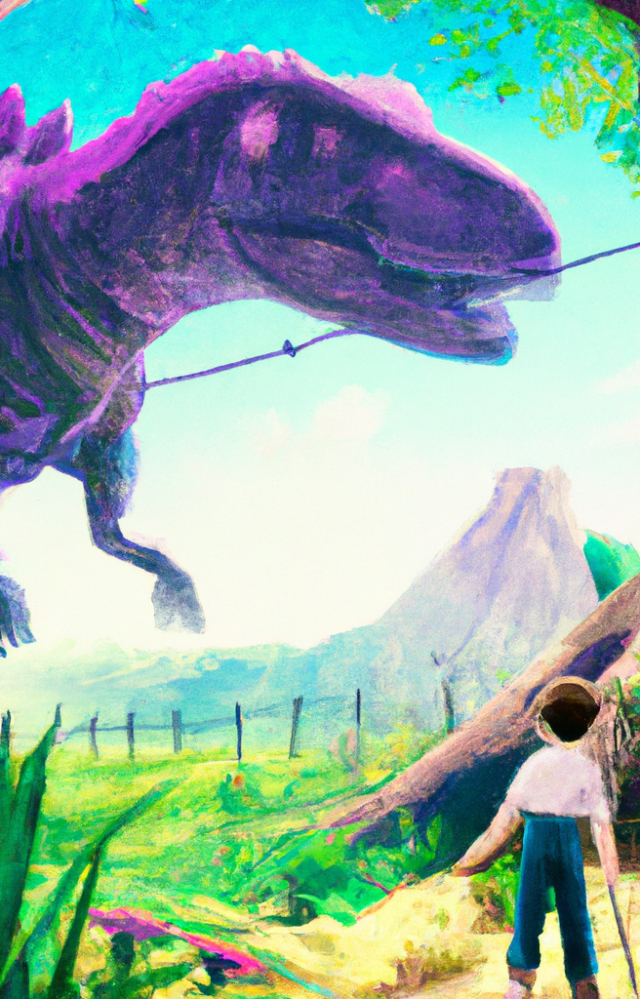
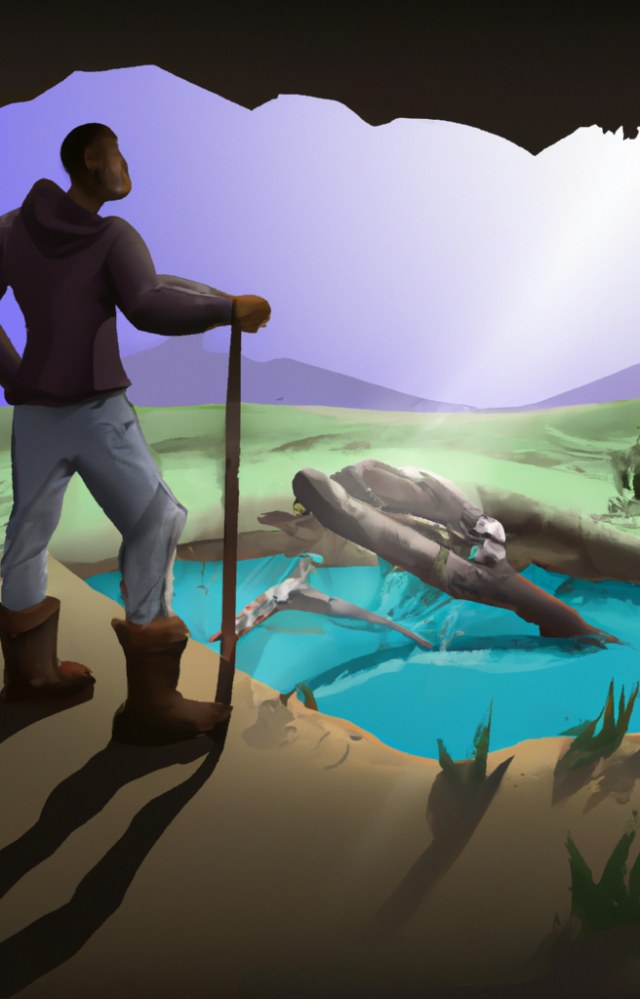
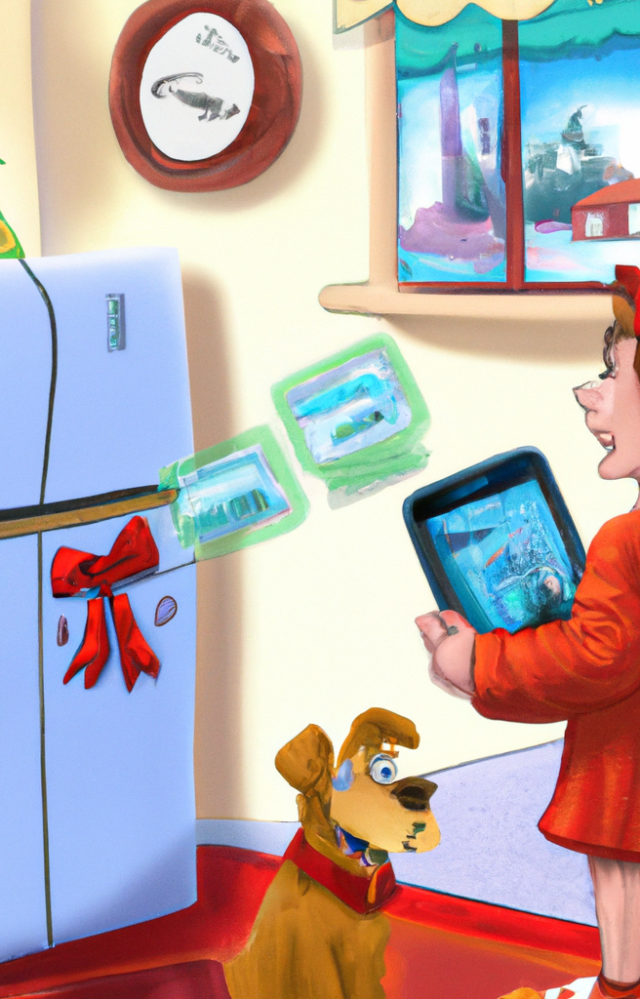
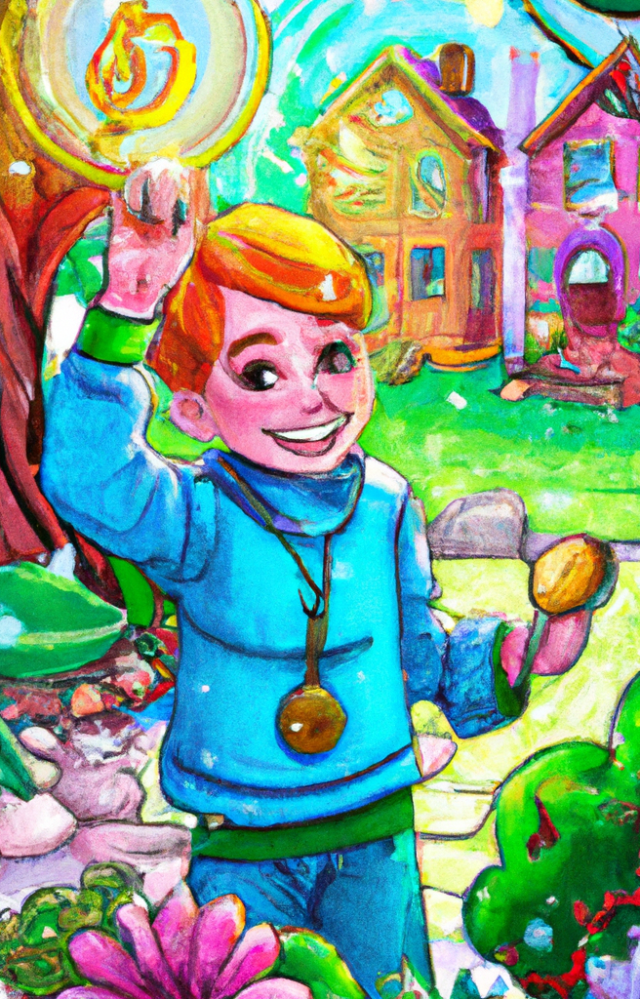
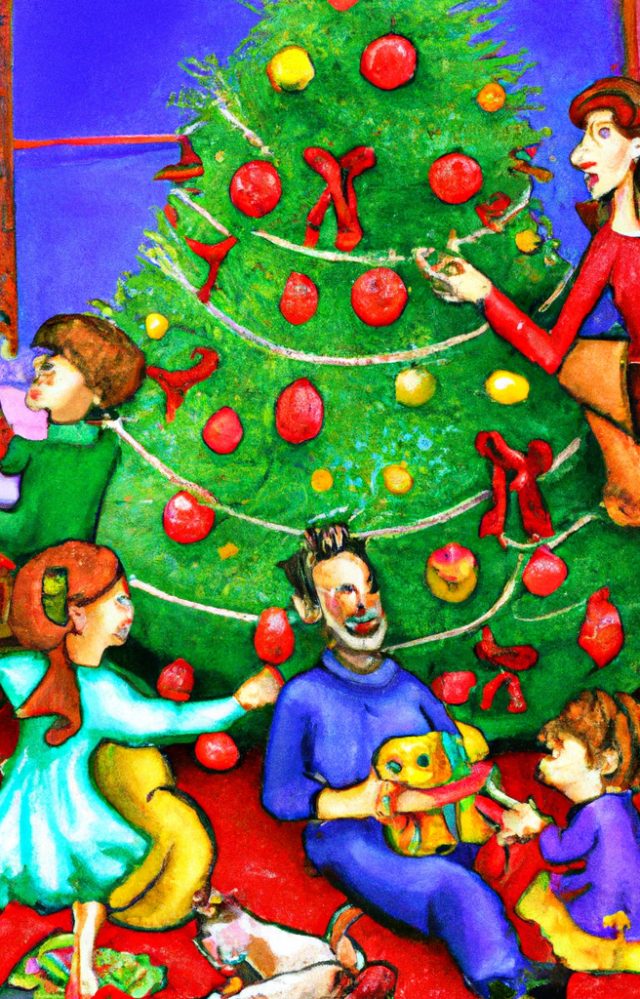
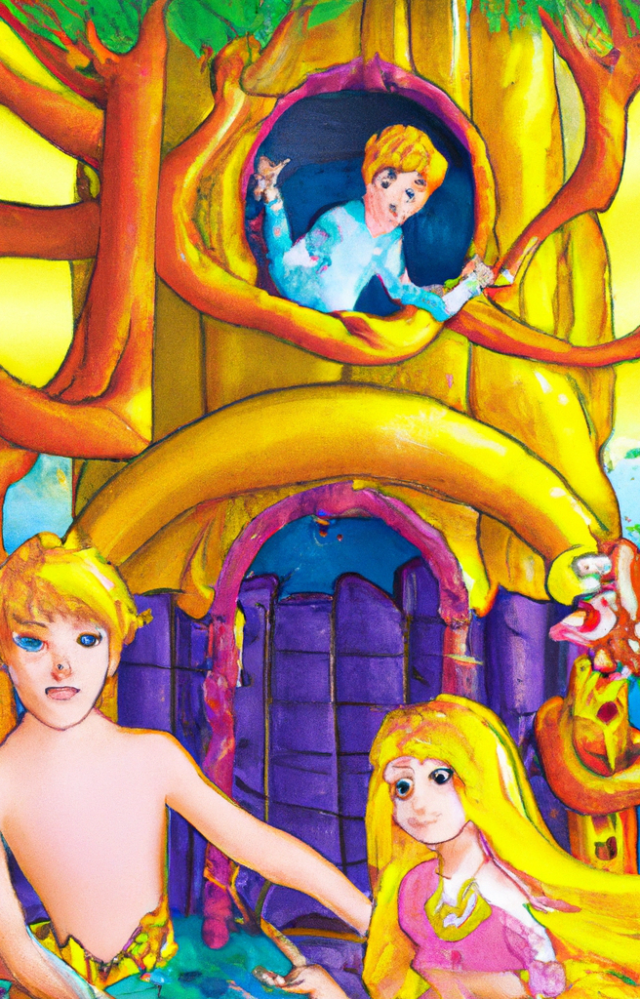
Here is just a small sample of some of the children’s stories, poems and works to soon go live:
Our vision is more than just providing a space for reading, writing, and playing. It’s about fostering a love of literature in the hearts of our children, sparking their creativity, and shaping them into the authors, poets, and artists of the future. With our vibrant platform, we encourage young people to share their creative works, be it riveting stories, expressive poems, or compelling pieces of art, bringing their visions to life and showing them off to the world.
A treasure trove of enchanting children’s tales and captivating poems, penned down by our gifted young writers. From fantastical adventures in far-off lands to whimsical tales of creatures unknown, our collection of children’s stories holds a universe of creative narratives waiting to be explored. But it doesn’t stop there; our anthology of children’s poems is a chorus of voices expressing their dreams, hopes, and ideas in rhythmic cadence. Both serve to foster a deep appreciation of literature and the arts and to inspire a new generation of creative thinkers and writers.
The magic of Stories from the Web extends beyond simply reading and writing. Our platform provides an opportunity for these young authors to engage with their peers, sharing ideas, offering constructive feedback, and fostering a sense of camaraderie within a growing community of creative minds. It’s a place where they can not only cultivate their writing and artistic skills but also develop crucial values like empathy, understanding, and mutual respect.
For families, Stories from the Web is an engaging tool to share the joy of literature and creativity with their children. It’s an opportunity to witness their child’s journey from a young reader to a budding author and to join them in celebrating their artistic milestones. We also provide resources and support to parents, aiding them in guiding their children on this literary adventure.
Every child has a story to tell, a poem to pen, a picture to paint. At Stories from the Web, we believe in the power of these stories and poems, and the incredible potential that lies within each young writer and artist. By providing a platform to express their creativity, we hope to help these young talents realise their potential and shine brightly in the world of literature and the arts.
In the heart of the UK, we are building a universe of stories, a galaxy of poems, a cosmos of creativity. We warmly invite all children and their families to join us to explore this universe to contribute their unique tales and verses, and to be part of this wonderful journey of imagination and creativity. Because every child is a storyteller, every child is a poet, and every child is an artist, waiting to be discovered.